Wild Fortune Mobile Australia: Browser Experience and App Status
 Available in AU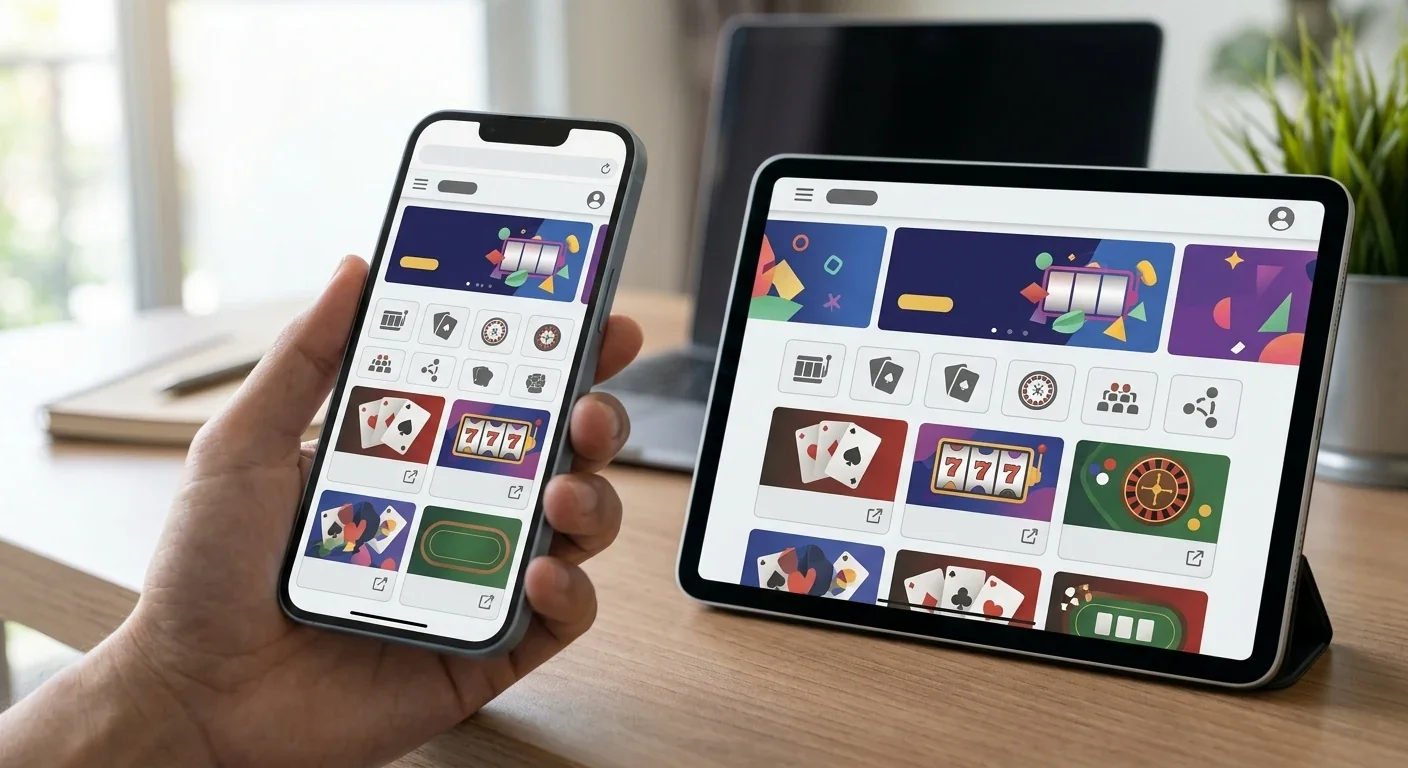
Wild Fortune’s Australian-facing site is designed to adapt to phones, tablets and desktop screens, and the operator currently promotes an “Install App” option. The important distinction is that Wild Fortune’s own installation page tells users to add the site to the home screen from a browser. That is an installable web experience, not evidence of a native Wild Fortune real-money casino app from Apple’s App Store or Google Play.
For Australian users, the practical mobile route is therefore the browser-based Wild Fortune site and its add-to-home-screen option. The operator says games, banking, bonuses and live casino remain available through that installed experience, while support is available by live chat and email. No third-party APK or unrelated app-store listing is needed.
Table of Contents
- Browser-first mobile access is the current option
- Is there a native iPhone or Android casino app?
- What remains available on mobile?
- Mobile cashier access and AUD use
- Mobile live casino: what to expect in practice
- Navigation and home-screen installation
- Support from a phone
- Security checks before using Wild Fortune on mobile
- Browser install versus native app
- A practical mobile setup for Australian players
- Using Wild Fortune on mobile in Australia
Browser-first mobile access is the current option
The official Australian page says the Wild Fortune site automatically adapts to different screen sizes and operating systems, including Android and iOS. That supports a straightforward claim: the service is mobile-friendly and can be used through a modern phone or tablet browser.
The separate Wild Fortune mobile installation page makes the implementation clearer. Its instructions say to open the site, use the installation flow and choose “Add to home screen”. That behaviour is characteristic of an installable web app or PWA-style shortcut. It gives quicker access from the device home screen while still being tied to the website.
This distinction matters because search results for “Wild Fortune app” can surface unrelated casino-themed or casual-game apps from other developers. An app sharing the words Wild Fortune is not automatically the casino operated at wildfortune.io. Use the operator’s own site rather than searching a store by name and assuming the first result is official.
Is there a native iPhone or Android casino app?
The current operator material does not establish a native real-money Wild Fortune casino app distributed through Apple’s App Store or Google Play. The official AU page calls its installable option an app, but the installation instructions route the user through the browser and an “Add to home screen” step.
Current app-store searches also surface products called Wild Fortune that are published by unrelated developers and describe casual or simulated games rather than the wildfortune.io casino account. Those listings should not be treated as official Wild Fortune casino software and should not be used for account credentials or deposits.
For that reason, unverified APK, Play Store or App Store links should not be used. If Wild Fortune later publishes an official native application, the safe standard would be to verify the developer identity and the link from the casino’s own domain before installing it.
What remains available on mobile?
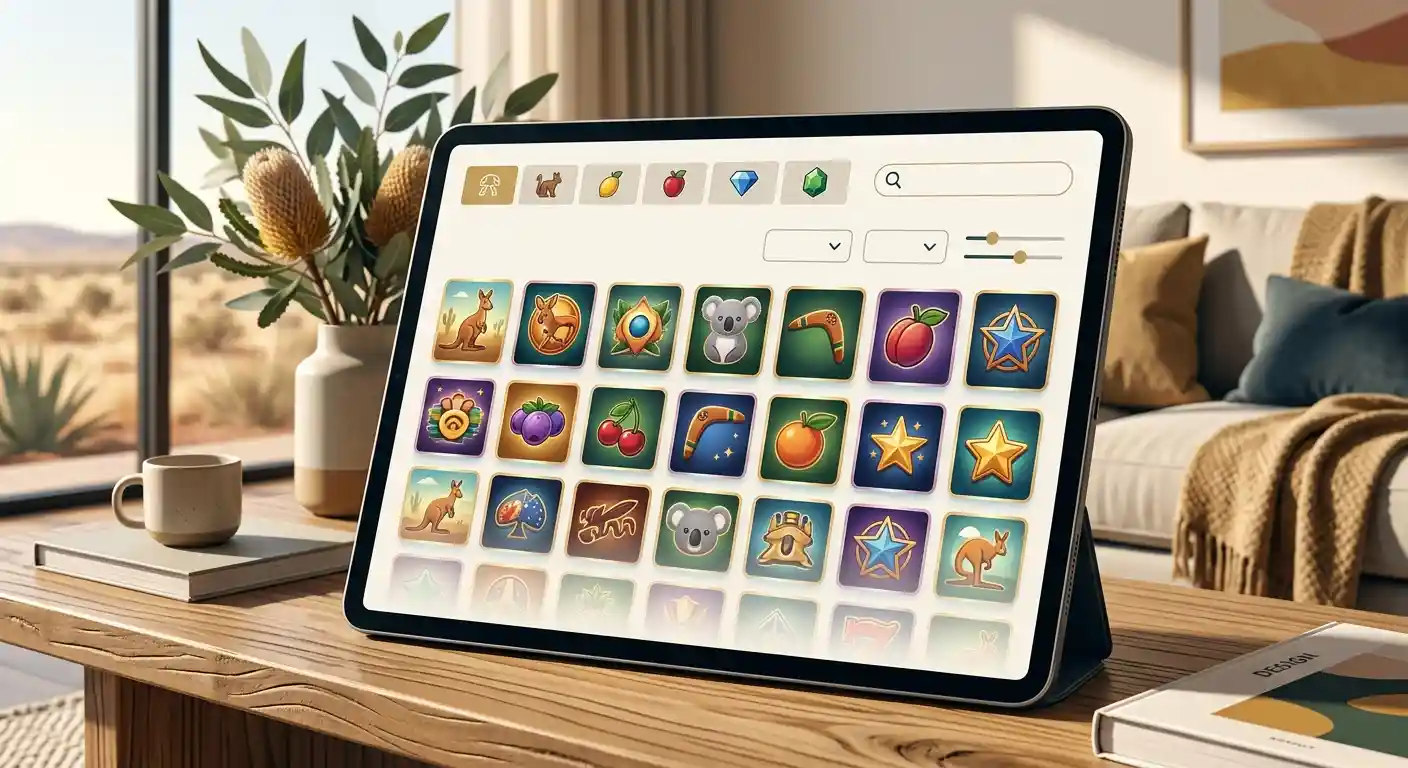
Wild Fortune’s AU-facing page says its mobile experience gives access to games, banking options, bonuses and live casino. The current product information also confirms a game catalogue spanning pokies, table and card games, video poker and live dealer titles. That makes mobile more than a lightweight account page; it is intended as a full access route to the core service.
For game discovery, use the games overview rather than assuming every desktop title will behave identically on every phone. Provider restrictions can vary by country, and older devices or browsers can differ in performance. A title visible in the current lobby is better evidence of availability than a static list from an external review.
For live dealer play, the live casino guide covers the current game categories. On mobile, the most important practical variable is connection quality because live streams are more bandwidth-sensitive than ordinary slot interfaces.
Mobile cashier access and AUD use
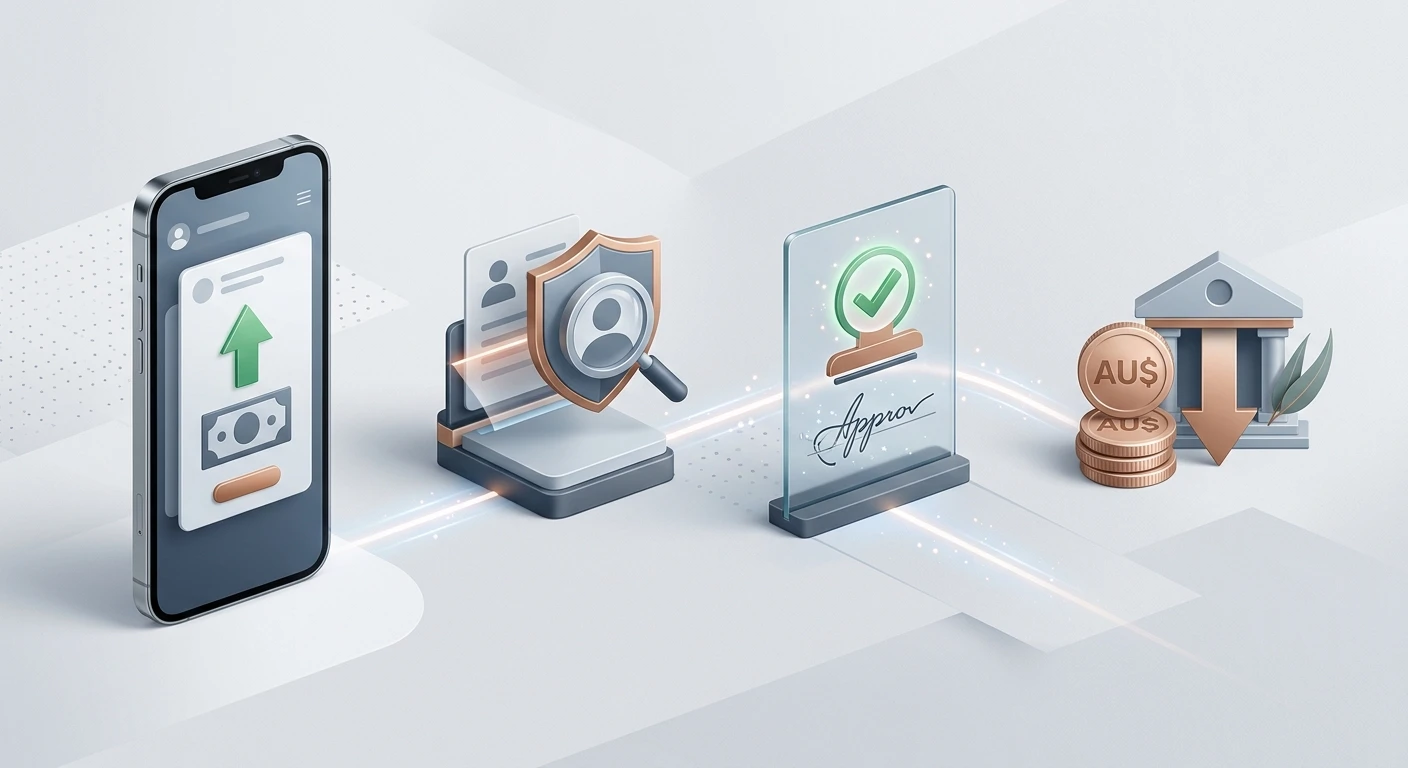
AUD is a supported account currency, and Wild Fortune’s Australian material presents banking as part of the mobile experience. That means a phone can be used to reach the cashier, but it does not mean every payment method will appear on every device or account.
Payment availability remains account-specific. The current payment material names cards, e-wallets, bank transfer or instant-banking categories and several wallet brands, while method-specific limits are shown in the cashier. On mobile, the same principle applies: use the live deposit or withdrawal screen rather than an external table.
The banking guide explains the published payment categories, and the dedicated deposit and withdrawal pages cover the two transaction directions separately. Before confirming a mobile transaction, check that the payment provider page is genuine, the amount is correct and the account holder details match.
Mobile live casino: what to expect in practice
The official AU copy says live casino is accessible through the mobile experience. A live table is more demanding than a static lobby because the device must maintain a video stream while updating betting controls in real time. A stable Wi-Fi or mobile-data connection is therefore more important than the presence of a home-screen icon.
Screen size also changes how comfortably information is displayed. On a smaller phone, betting panels, game history and chat can compete for space. Rotating the device, closing other bandwidth-heavy apps and avoiding weak public Wi-Fi can improve usability without changing the underlying game.
If a specific live title fails to load, first check whether the same title appears in the current mobile lobby. Country-level provider restrictions can remove individual games even when the live-casino category itself remains available.
Navigation and home-screen installation
The operator’s current install page describes a short process: start the installation from Wild Fortune, choose “Add to home screen”, then confirm the addition. Once installed, the icon acts as a faster way back into the web experience.
The main advantage is convenience rather than a separate software ecosystem. A home-screen install can remove the need to type the address repeatedly and can open in a cleaner window, but account data, games and banking still come from the Wild Fortune web service. Updating is also simpler because the underlying site changes without requiring a traditional app-store update.
If the install prompt is not visible, use the browser version directly. The mobile-friendly site is the core route, so the absence of an install shortcut should not prevent normal browser access.
Support from a phone
Wild Fortune’s Australian FAQ lists live chat and email as support channels. That is useful on mobile because a player can contact support without leaving the device used for the account. For simple access or cashier questions, live chat is the most immediate channel exposed by the site.
When contacting support about a mobile problem, provide the browser, operating system, the page or game affected and the exact error rather than just saying the app does not work. If the issue concerns a transaction, include the transaction reference but do not post card numbers, identity documents or passwords in public forums.
For account verification questions, see registration and KYC for the current document rules and account setup guidance.
Security checks before using Wild Fortune on mobile
- Open Wild Fortune from the operator’s official domain rather than from an unsolicited message or ad.
- If adding it to the home screen, start from the official site’s own installation flow.
- Do not install an APK from a review site, file host or chat message.
- Do not assume an app-store title is official just because it contains “Wild Fortune” in the name.
- Use the same account credentials only on the official Wild Fortune service.
- Check the domain again before entering payment or KYC information.
- Keep the phone operating system and browser updated.
- Avoid saving passwords or payment data on shared devices.
These checks are especially important because casino names are easy to imitate. The safest mobile approach is the simplest one: begin on the official operator website and follow only links or install prompts that originate there.
Browser install versus native app
| Feature | Current Wild Fortune status | What it means |
|---|---|---|
| Responsive mobile website | Available | The site adapts to phone and tablet screens. |
| Add-to-home-screen install | Available | The operator provides a browser-led install flow. |
| Games and live casino on mobile | Available at category level | Core gaming sections are promoted as accessible through mobile. |
| Banking through mobile | Available at feature level | The cashier is part of the mobile experience; method availability remains account-specific. |
| Native App Store or Google Play casino app | Not established | Do not use unrelated store listings as if they were the wildfortune.io casino. |
The practical distinction is that the current evidence supports a mobile-friendly browser experience, while native-app status remains conflicting. That means browser access is the dependable reference point for assessing navigation, game categories, cashier access and the listed support channels. A home-screen shortcut or web-app style presentation should not be treated as proof of an iPhone or Android store application, and it should not lead to an unsupported download recommendation. For Australian readers, the same product checks still apply on a phone: AUD support remains an account-currency feature, game availability can vary by provider or jurisdiction, and account verification can still matter when withdrawals are requested. Treat the phone as another way to use the current site rather than as evidence of a separate app product unless an official store listing is available.
A practical mobile setup for Australian players
- Open the official Wild Fortune website in Safari, Chrome or another current browser.
- Sign in only after checking the domain.
- Test navigation, the games lobby and cashier in the browser first.
- If you want a home-screen icon, use the operator’s own install flow and confirm the add-to-home-screen prompt.
- Open one game and one live title to check performance on the current connection.
- Check that AUD and the intended payment options display correctly in the account.
- Use live chat or email support if a feature differs from the operator’s current mobile description.
This sequence confirms that the web account works before adding any shortcut and avoids unnecessary searches for software that may have no connection to the casino.
Using Wild Fortune on mobile in Australia
Wild Fortune has a mobile-friendly browser experience for Australian users and an operator-provided install flow that adds the service to a device home screen. Its own instructions support treating this as an installable web experience rather than assuming the existence of a native real-money casino app in Apple or Google stores.
For most users, the practical choice is straightforward: use the responsive site directly or add it to the home screen from Wild Fortune itself. Games, live casino, banking and support are available through the mobile environment, while method-level banking details and individual game availability still need to be checked live. Avoid unrelated app-store products and unsupported APKs.
For the wider product context, see the full review.
Prepared by the Wild Fortune Casino editorial staff.